How to Make an Emoji of Yourself from a Photo (Genmoji Alternative, 2026)
Genmoji is iPhone-only and makes one emoji at a time. Here's how anyone — Android, iPhone, or desktop — turns a selfie into a full 12-expression sticker pack.

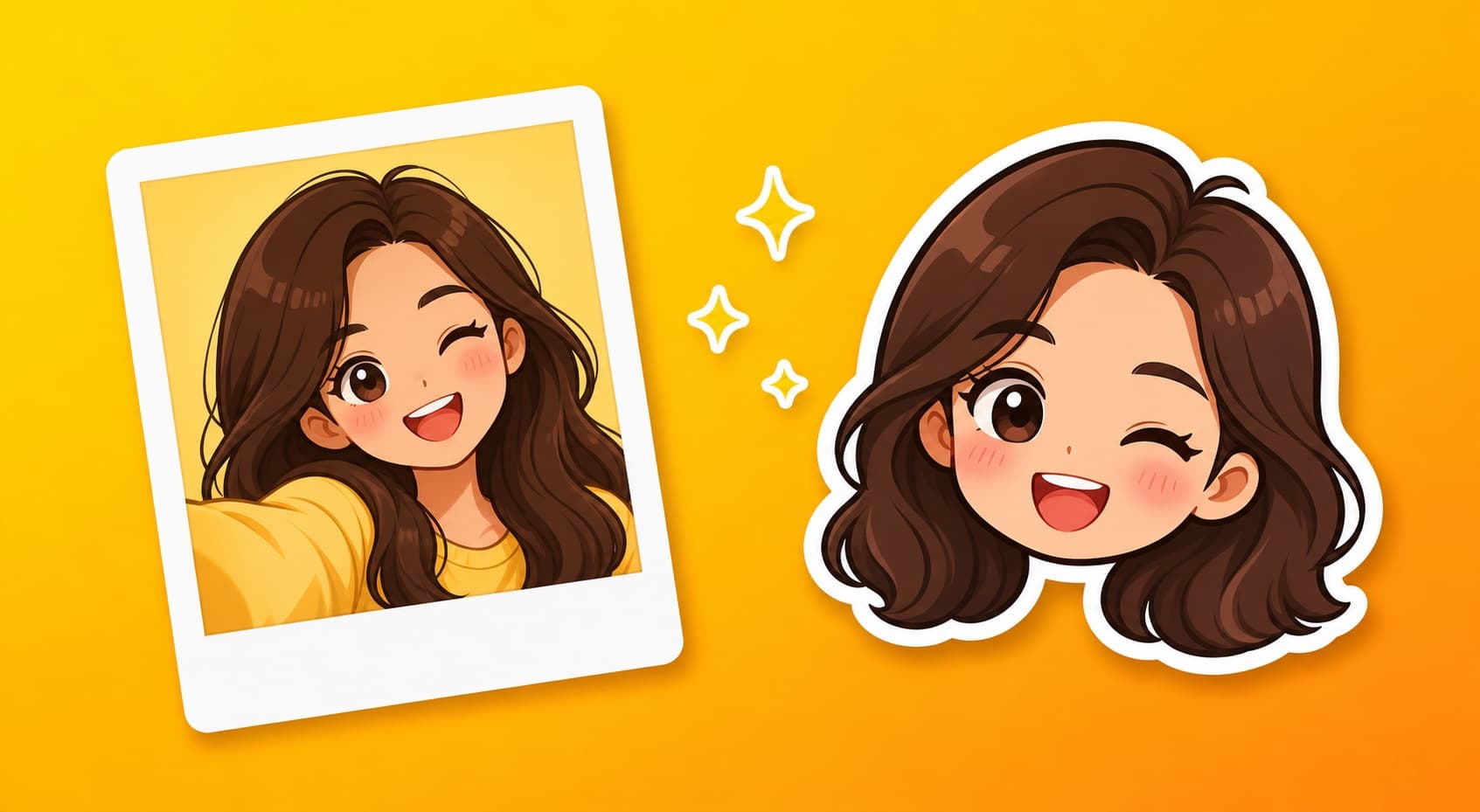
Apple's Genmoji made "an emoji of yourself" mainstream — describe yourself, get a tiny custom emoji. It's fun, but it has three hard limits: iPhone-only, one emoji at a time, and the results are Apple's art style, not really you. Here's the cross-platform way to get a whole expressive pack from an actual photo.
Genmoji vs photo-based packs
| Genmoji | KakaMeme | |
|---|---|---|
| Devices | iPhone (Apple Intelligence) | Any browser |
| Input | Text description | Your actual photo |
| Output | One emoji per generation | 12-sticker pack in one batch |
| Likeness | Approximate, Apple style | Facial identity preserved |
| Use in | Apple ecosystem | WhatsApp, iMessage, Telegram, WeChat, Discord |
Make yours in 3 steps
- Upload one selfie to the face-to-sticker maker. Front-facing and well-lit works best; glasses, beard, and your actual hairstyle are kept — they're what makes it recognizably you.
- The AI builds your character and generates 12 expressions in one pass: laughing, crying, smug, shocked, thumbs-up, facepalm and more.
- Download transparent PNGs and add them anywhere — including iMessage's sticker drawer on iOS 17+ (step-by-step).
Want the anime version of yourself instead? Same flow through the anime sticker maker — style changes, your identity stays.
Tips for the best likeness
- Use a recent photo — the character mirrors what you upload
- Keep accessories you actually wear daily (glasses, earrings); drop one-off costumes
- Describe personality in the idea box ("always sleepy", "gym rat") to steer the expressions
FAQ
Does this work on Android? Yes — it runs in the browser, no Apple Intelligence required.
Is my photo private? Generations are private by default; publishing to the public gallery is opt-in.
Can I get animated versions? Yes, GIF export is one checkbox.
Free? Free credits on signup cover your first full pack.
Turn this guide’s idea into stickers
Upload a character photo or describe your idea, then choose how to generate it.
Open the studio Upload a photo, write an idea or use the article’s example. This article has its own draft, separate from your home draft.