How to Make WeChat Stickers from a Photo (2026)
Make personal WeChat stickers (表情包) in 5 minutes: one photo becomes 12 recognizable, transparent stickers you add with a long-press. Includes WeChat Sticker Open Platform tips.
 KakaMeme Editorial TeamPublished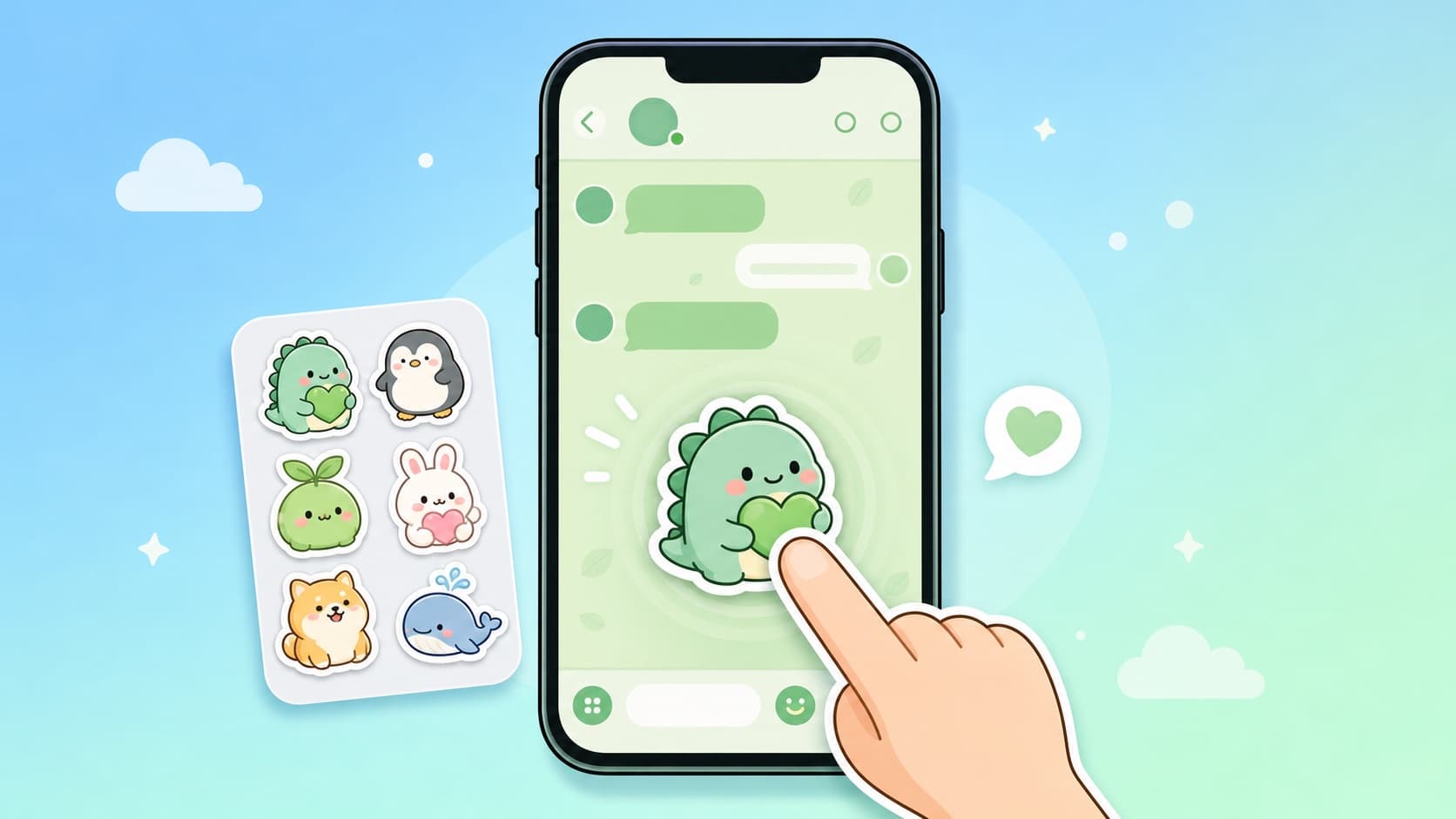
WeChat conversations run on stickers (表情包). Most guides still walk you through Photoshop cutouts or generating images one by one. The modern flow takes about 5 minutes: one photo in, a complete 12-sticker pack out.
Step 1: Generate the pack
Open the WeChat sticker maker and upload a photo — a selfie, your pet, or a couple photo. The AI:
- Extracts one cartoon character that preserves facial identity — friends recognize you instantly
- Generates 12 expressions in one batch: laughing, thanks, good night, cheering, speechless…
- Exports each as a transparent PNG, which WeChat renders as a clean die-cut sticker
Registration gives free credits for your first pack. No photo? Describe a character in words instead.
Step 2: Add them to WeChat
- Save the sticker images to your phone
- Send one in any chat (or to yourself via File Transfer)
- Long-press the image → tap Add to Stickers
- It joins your custom sticker panel, ready to send anytime
Repeat for all 12. For animated stickers, enable the GIF option when generating — WeChat supports animated custom stickers the same way.
Bonus: submitting to the WeChat Sticker Open Platform
To publish your pack on WeChat's official sticker store, assets must match the platform's specs: sets of 8/16/24, a 240×240 main image, panel icons and more. KakaMeme's Chinese version offers a submission package that prepares everything in the required format automatically.
FAQ
Is it free? Free credits on signup cover your first 12-sticker pack; afterwards it's pay-per-generation with no subscription.
What photos work best? Front-facing and well-lit. Pet photos and couple photos are favorites, and group shots become multi-character packs.
Do stickers work elsewhere? Yes — the same PNGs work in WhatsApp, Telegram, iMessage, and Discord.
Turn this guide’s idea into stickers
Upload a character photo or describe your idea, then choose how to generate it.
Open the studio Upload a photo, write an idea or use the article’s example. This article has its own draft, separate from your home draft.